Teams
Group organization members together into named teams with shared inboxes.
Teams group organization members into named clusters you can manage in one place. With a team inbox enabled, a team also becomes a shared queue that conversations can be routed to — by hand or automatically when the AI hands over.
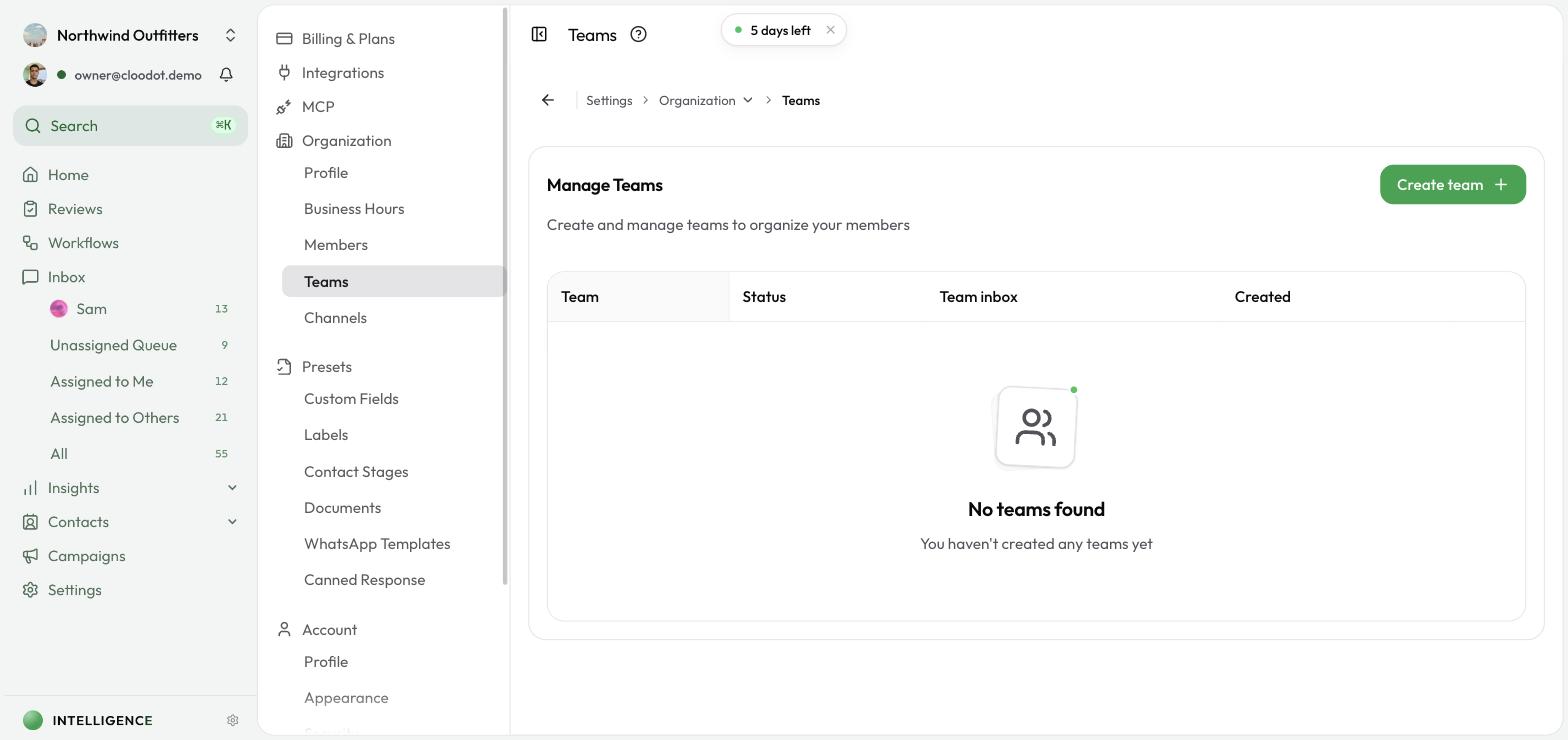
Open the Teams page
Go to Settings → Organization → Teams. You'll see every team in your organization.
Create a team
- Click Create Team or New Team.
- Fill in:
- Name — descriptive (e.g. "Customer Support", "Sales Team", "Technical Support").
- Description (optional) — what this team handles. Write this carefully if you use team inboxes: the AI uses descriptions to pick which team gets a handover.
- Click Create.
Add members to a team
- Open the team you want to edit.
- Click Add Members or Manage Members.
- Select members from your organization.
- Click Save or Add.
Team membership is for organizing people. Anyone with inbox access can open every team inbox — visibility is not limited to that team's members.
Turn on the team inbox
Starter plan and above
Team inboxes are available on the Starter plan and above — including Shopify-billed workspaces. On Basic, the toggle stays disabled and no team inbox appears.
Each team can have its own shared inbox — a place where conversations routed to the team collect so your workspace can work them from one queue.
- Go to Settings → Organization → Teams.
- Find the team in the list.
- Switch on the Team inbox toggle in that row.
Once enabled:
- The team appears under Team Inboxes in the left sidebar, with an open-conversation count
- Agents can route conversations to it from the conversation Team section or the command palette (see Inbox)
- The AI can automatically route handovers into it when a team's description matches the reason for escalating (see AI Agent → Handover)
Switch the toggle off to hide the inbox from the sidebar again. Conversations already routed to the team keep that assignment until you change it.
How team routing works
Team assignment is separate from who owns the conversation:
| Action | What happens |
|---|---|
| You route to a team (sidebar or command palette) | Conversation joins that team's inbox. The current agent stays assigned. |
| AI hands over to a team | Conversation joins that team's inbox. The AI (or human) assignee is cleared so the team owns the queue. |
| Remove from team | Conversation leaves the team inbox. The individual assignee is unchanged. |
A conversation can sit in a team inbox and be assigned to a specific person. If it's in a team inbox but nobody is assigned yet, it also shows up in Queued.
Write descriptions that route well
When the AI decides to hand a conversation to a human, it picks a team by matching the handover reason against each inbox-enabled team's description. If nothing clearly fits, the conversation goes to the general Queued view instead.
Good descriptions state what the team handles in plain language:
- "Handles billing disputes, refunds, and invoice questions"
- "Technical product issues, bugs, and account access"
- "Sales inquiries, demos, and pricing"
Vague descriptions like "Support" or an empty description make accurate auto-routing harder. See AI Agent for the full handover flow.
What teams are
A team is a named group with an optional description and a list of members. Beyond organizing who's who, a team with its inbox enabled also acts as a shared inbox that conversations can be routed to.
Edit a team
- Find the team in the list.
- Click Edit or the team name.
- Update the name or description.
- Click Save.
Remove a member from a team
- Open the team.
- Find the member you want to remove.
- Click Remove or use the actions menu.
- Confirm.
Delete a team
- Find the team in the list.
- Click Delete or use the actions menu.
- Confirm.
Note — deleting a team doesn't remove members from your organization. It only removes the team grouping.
Keep teams useful
- Clear names — describe the team's purpose at a glance.
- Specific descriptions — spell out what each team handles so AI handovers land in the right inbox.
- Manageable size — keep teams small enough to collaborate effectively.
- Review regularly — check membership periodically so it stays relevant.
- Only enable inboxes you need — each enabled team appears in the sidebar and becomes a candidate for AI routing.